
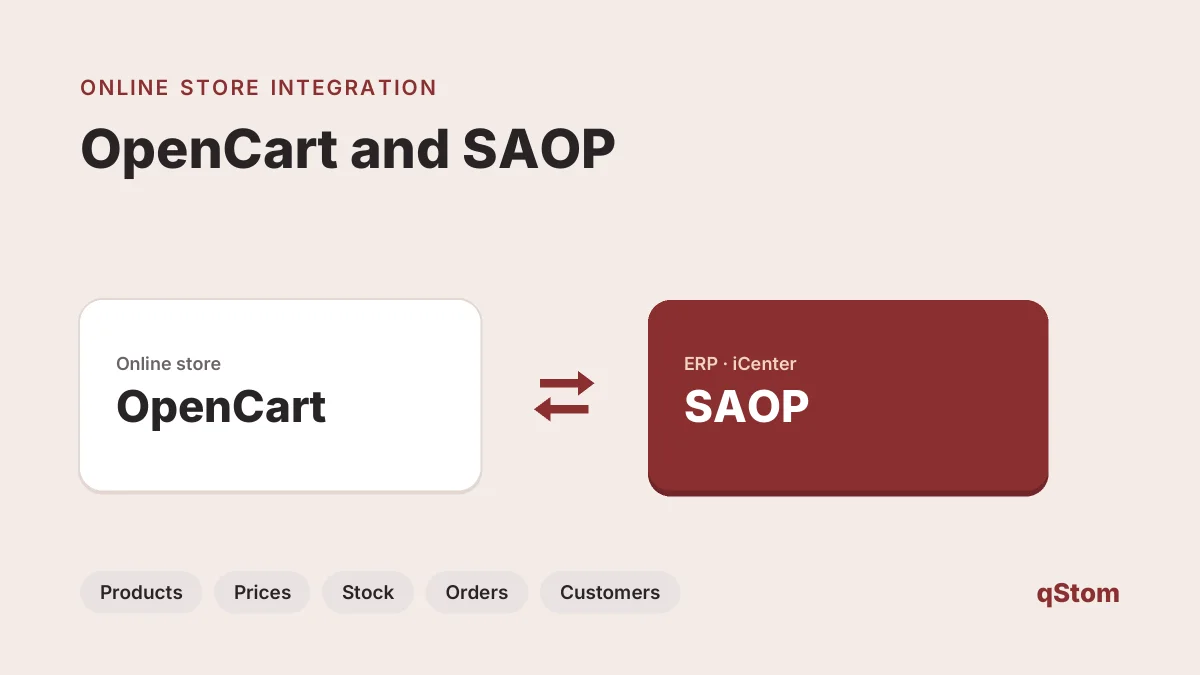
Products and stock from SAOP into the store, store orders into SAOP for further processing. We integrate your OpenCart store with the Saop ERP (iCenter), so you stop retyping orders and stock levels in the store stay accurate.
integration through the API
products to the store, orders and customers to SAOP
selling to consumers and business customers
live integration examples
What is synchronised
With the integration you manage products, prices and stock in one place – in SAOP – while online orders arrive in the system automatically, ready for further processing.
- products and their codes
- prices and stock levels
- orders from the store to SAOP
- customers and business partners
- B2B prices and terms, where you keep them in SAOP
- order status back to the store (by agreement)
How the integration works
- Review We check your SAOP version, licences and data quality (codes, EAN, prices, VAT rates).
- Agreeing the logic We define which system is the master for each piece of data, plus the direction and frequency of synchronisation.
- Installation We install the connector in your OpenCart store and map it to your code lists.
- Testing We test the transfer of products, stock and test orders before going live.
- Go-live and support We monitor the first orders and help when your business changes.
What you need on the SAOP side
Saop iCenter has an API for exchanging data with external applications. We need access to it, which you arrange with SAOP. Before we start, we agree which system is the master for each piece of data and how often data is synchronised.
Integration price
We quote the SAOP integration after a short review, as the price depends on the installed modules, the amount of data and the direction of synchronisation. If you are building a new store, the integration can be part of an online store package.
Real-world examples
- ART: an online store for art supplies with products, orders and customers synchronised with SAOP.
- Active.si: online ordering for business customers in Slovene and English, integrated with SAOP.
About Saop
Saop is an ERP solution by Seyfor for companies and public institutions. It connects accounting, HR and payroll, purchasing, sales, production and document management, and you choose which processes to digitalise. According to the vendor, it has more than 15,000 users in organisations of all sizes. More at saop.si.
The same vendor also develops Minimax, for which we also have a ready integration.
The connector is built for OpenCart stores. If you use WooCommerce, get in touch – we check a similar integration during the review. It also suits a B2B online store.
Do you run your business on SAOP?
Send us your software version and what you want to synchronise – we will prepare an integration proposal and a quote.
Other ERP and accounting integrations: Minimax, Datastudio. We also have ready connectors for Datalab PANTHEON, Microsoft Dynamics NAV (Navision), VASCO and e-Računi.
Updated 16 November 2026.
FAQ
How is an online store connected to SAOP?
Through the Saop iCenter API. You arrange access with SAOP, and we install and configure the connector in your OpenCart store.
What data is exchanged between SAOP and the store?
Products, prices and stock go to the store; orders and customers go to SAOP. We agree on the scope and frequency during the review.
How much does the SAOP integration cost?
We quote it after a short review, as it depends on the modules, the amount of data and the direction of synchronisation.
Does the integration work for B2B sales?
Yes. Active.si uses its SAOP-integrated store for orders from business customers.