
Deleting all caches
When you visit a website, some information is saved in the cache. This helps pages load faster. Your browser then loads some elements of the online store from local storage (your computer), so some of your changes might not show straight away. This is most often noticeable with images or products shown on the home page. In that case, use the “Delete ALL Caches” feature built into your website’s admin.

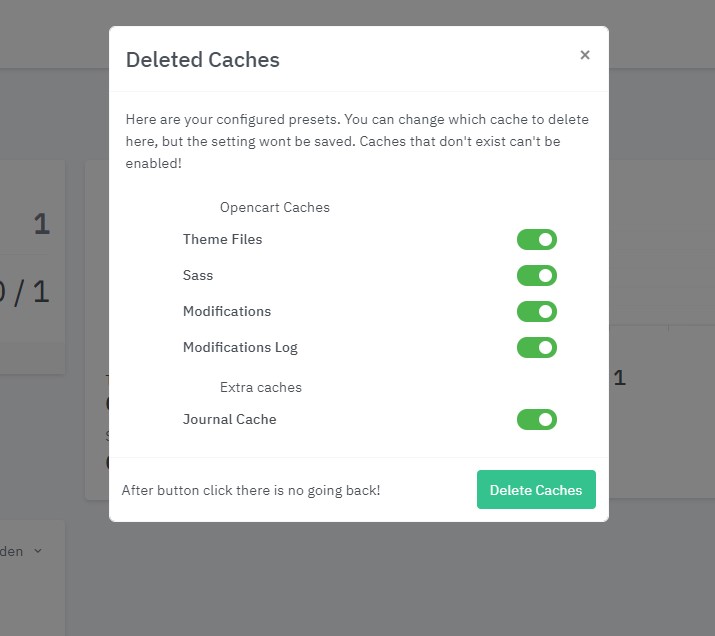
Clicking this feature opens a window. It shows the selected types of information that will be “deleted” when you click “Delete Caches”. Don’t worry – this doesn’t actually delete any information from your website, only from the cache. It lets new, updated information and changes you didn’t see before load again.